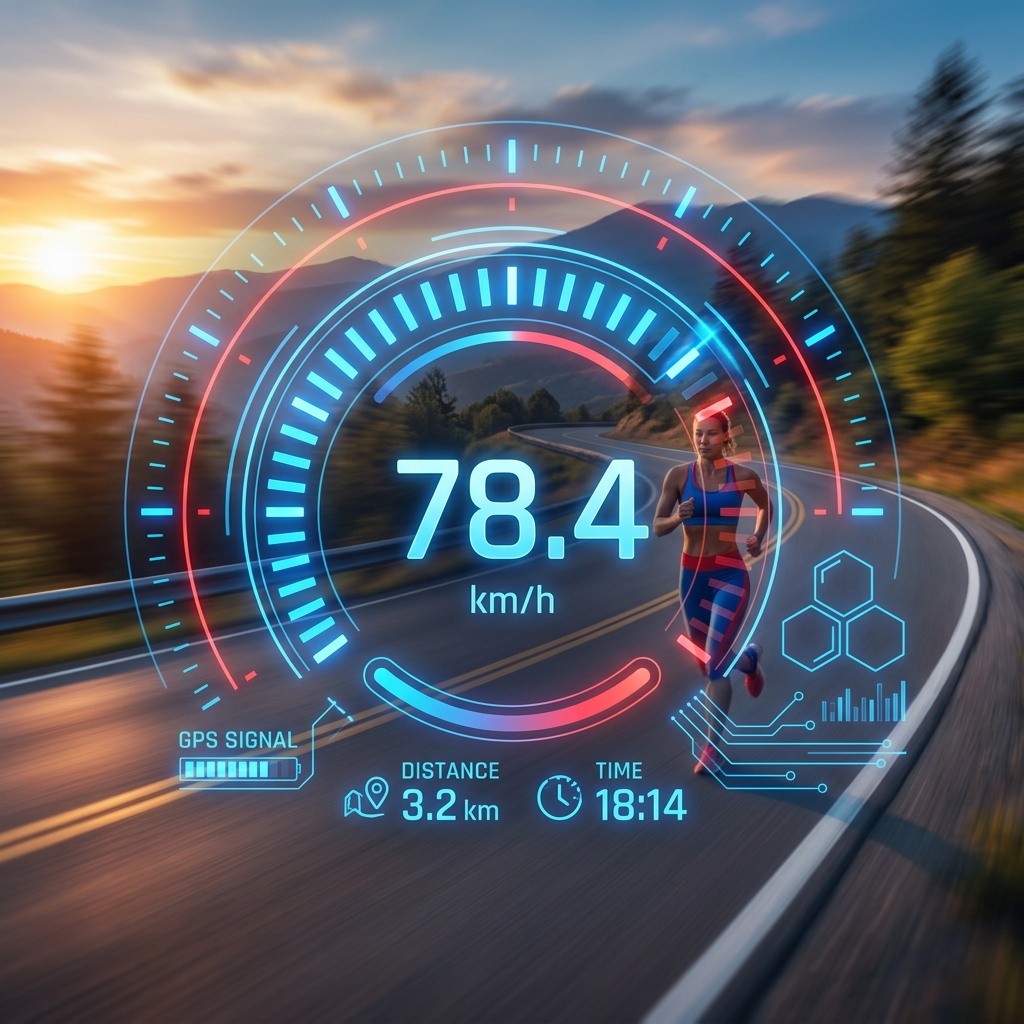
Have you ever found yourself sitting on a train, cycling down a coastal road, or jogging through a new city and wondered exactly how fast you were going? In the past, answering this question required a specialized piece of hardware—a radar gun, a synchronized stopwatch, or a mechanical speedometer fixed to a dashboard. Today, however, the answer is literally in your pocket. Thanks to Global Positioning System (GPS) technology embedded in nearly every modern smartphone, you can check your moving speed online in seconds.
In this comprehensive guide, we will dive deep into the mechanics of GPS speed tracking, compare the various types of mobile speed test tools available today, and explain why browser-based speedometers are becoming the preferred choice for privacy-conscious users worldwide.
Understanding GPS Speed Tracking
GPS tracking is one of the most remarkable technological achievements of the 20th century, but few people realize how it actually calculates speed. The Global Positioning System is a network of over 30 satellites orbiting the Earth. These satellites constantly beam radio signals that contain the exact time the signal was sent and the satellite's position in space.
How Your Device Locates You
When you open a speed tracking tool, your device’s internal GPS receiver attempts to "lock on" to signals from at least four of these satellites. By calculating the slight differences in the time it took for each signal to arrive (known as trilateration), your phone can determine its exact latitude, longitude, and even altitude on the planet.
The Velocity Calculation Methods
There are two primary ways a GPS device calculates your moving speed:
- Position-to-Position: The device records your coordinates at Point A, waits a fraction of a second, and records them again at Point B. By knowing the distance between these points and the time elapsed, it calculates your average velocity (Speed = Distance / Time).
- Doppler Shift: More advanced GPS receivers measure the change in frequency of the satellite signals caused by your movement—similar to how a siren's pitch changes as it passes you. This "Doppler shift" method provides much higher accuracy for real-time speed updates.
Mobile Speed Test Tools: Apps vs. Web
When it comes to measuring motion, users typically have two choices: downloading a native application from an app store or using a web-based tool in their mobile browser. Both have their place, but the landscape is shifting rapidly.
Native Speedometer Apps
Native apps are traditional choices. They often come with secondary features like map integration, route history, and offline maps. However, they have significant drawbacks. They occupy valuable storage space, often require intrusive "always-on" background location permissions, and frequently monetize your data through invasive tracking and aggressive advertising.
Browser-Based Speedometers
Web-based tools like My Moving Speed represent the next generation of utility software. They run entirely within your browser (Chrome, Safari, or Firefox) and utilize the "Geolocation API" provided by modern web standards. This means there is no installation required, and they work instantly across an unlimited variety of devices.
Why Browser-Based Speedometers are Winning
There are several critical reasons why users are moving away from native apps toward online browser speedometers:
1. Unmatched Privacy
Privacy is the number one concern in the modern era. Native apps often request permission to 'Access Location in Background,' meaning they can track where you go even when the app isn't open. Browser tools only access your location while the tab is active and you have explicitly granted permission. When you close the tab, the tracking stops instantly.
2. Instant Accessibility
Imagine your car's speedometer fails while you're driving. Do you want to spend three minutes pulling over, searching an app store, putting in your password, and waiting for a 50MB download? Or do you want to simply type a URL and have an instant digital speedometer ready to go? The speed of access is the web's greatest advantage.
3. Cross-Platform Compatibility
Browser-based tools don't care if you're on an iPhone, an Android tablet, or a Windows laptop. As long as the device has a GPS chip and a browser, the tool works perfectly. This universality is essential for professional drivers and travelers who switch between different devices.
Activity-Specific Speed Tracking
The beauty of a modern online speed tracker is its versatility. Different activities require different ways of visualizing data:
- Driving: For vehicle use, you need a high-contrast display with large numbers (Digital mode) or a traditional dial (Analog mode) that is easy to read at a glance.
- Running: Runners often prefer a "Pace" calculation (minutes per kilometer) alongside raw speed to help them stay on target for marathon goals.
- Cycling: Handlebar-mounted devices need to handle vibrations and varying light conditions. Browser tools with "Dark Mode" options are perfect for late-night rides.
Factors Affecting GPS Speed Accuracy
While GPS is incredibly accurate, it is not perfect. Several factors can influence the readings on your speedometer online:
The "Urban Canyon" Effect
In cities with very tall buildings, satellite signals can bounce off glass and steel before reaching your phone. This creates "multipath errors" that can make your speed seem to jump around. For the best accuracy, use speed tracking tools in open areas where the sky is clearly visible.
Signal Lock Time
Your device needs a "Cold Start" to find satellites if the GPS has been off for a while. It's often best to wait 5-10 seconds after opening the tool before you start moving to ensure the accuracy indicator turns green (indicating a high-quality lock).
Battery Saving Modes
Some smartphones aggressively throttle GPS power when battery saving mode is enabled. If you find your speed updates are sluggish or jerky, check your settings to ensure the browser has full power permissions.
Conclusion: Moving at the Speed of the Web
Technology has demystified velocity. No longer do we have to guess how fast a train is moving or wonder why our car's analog dial feels "off." The ability to check your moving speed online using GPS has turned every smartphone into a professional-grade instrumentation tool.
By choosing a browser-based solution like My Moving Speed Test, you get the double benefit of professional-grade accuracy and world-class privacy. The next time you're on the move, don't just guess—test it. Turn your browser into your new favorite dashboard and experience the freedom of knowing your motion in real-time.
Frequently Asked Questions
Is an online GPS speedometer as accurate as a car's speedometer?
Yes, in many cases, GPS is more accurate than a car's mechanical speedometer, which can be affected by tire wear or size changes. GPS measures true ground speed regardless of mechanical factors.
Do I need data to use a GPS speedometer?
You need an internet connection to load the website initially. However, once the tool is loaded, the speed calculations are done locally using the GPS hardware, though some data might be needed for ongoing map or feature updates.
Does checking speed online use a lot of battery?
Using GPS hardware does consume more battery than standard browsing. If you plan on tracking a long road trip, it is recommended to keep your device plugged into a power source.